

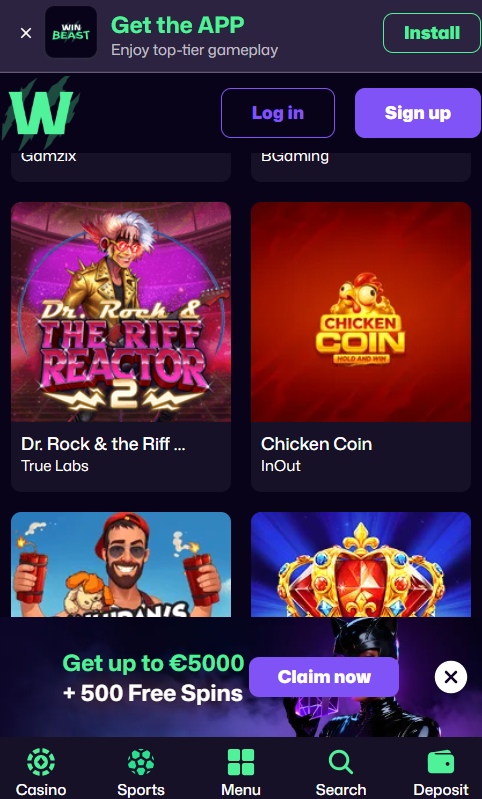
What Is the WinBeast App: Progressive Web App Explained
A Progressive Web App is a website that behaves like an installable application. Once added to the home screen, the WinBeast Casino app launches in a dedicated window without the browser address bar, sends push notifications, caches menu content for offline browsing and auto-updates without any action from the member. The install footprint stays below 5MB — a fraction of the 50-100MB a native casino app typically consumes — because the PWA loads content on demand from the server rather than bundling everything upfront. The table below sets out the practical differences between the WinBeast PWA and a traditional native app.
WinBeast PWA versus native casino app
| Attribute | WinBeast PWA | Native App |
|---|---|---|
| Install source | Browser, 30 seconds | App Store or Google Play |
| Storage footprint | Under 5 MB | 50-100 MB |
| Updates | Automatic, background | Manual through store |
| Push notifications | iOS 16.4+ and Android | Full support both OS |
| Offline browsing | Cached menus available | Depends on app design |
| Feature parity vs desktop | 100% | Varies by title |
Install WinBeast Casino on iPhone or iPad
WinBeast Casino PWA installation on iOS requires Safari — the Add to Home Screen function is exclusive to Apple's default browser and is not available in Chrome, Firefox or other alternatives on iPhone. The full install sequence completes in under thirty seconds and requires no App Store account or approval delay.
- Open Safari on the iPhone or iPad and navigate to the official WinBeast Casino homepage.
- Tap the Share icon — the square with the upward arrow located at the bottom of the screen on iPhone or top-right on iPad.
- Scroll down and select Add to Home Screen. Members can edit the display name if preferred, though the default WinBeast Casino label works fine.
- Tap Add in the top-right corner. The WinBeast icon appears on the home screen and launches in full-screen mode without Safari controls.
Push notifications on iOS require version 16.4 or later. Enable them the first time the WinBeast app requests permission, or activate later in the iPhone Settings under Notifications by selecting the WinBeast entry and allowing alerts.
Install WinBeast Casino on Android
Android installation is available through Chrome, Samsung Internet or any modern browser that supports the Progressive Web App standard. Chrome delivers the smoothest install flow and is recommended for most users. The four-step sequence below applies to any recent Android device running version 10 or later.
- Open Chrome and navigate to the WinBeast Casino homepage.
- Tap the three-dot menu in the top-right corner of the address bar.
- Select Install app or Add to Home Screen depending on the Chrome version. Both options produce an identical result.
- Confirm Install in the pop-up dialogue. The WinBeast Casino icon is added to both the app drawer and the home screen.
Android supports the full PWA feature set including push notifications without any version restriction. Enable notifications at the first launch to receive weekly bonus code alerts and payout confirmations in real time.
Mobile Features and 100% Feature Parity
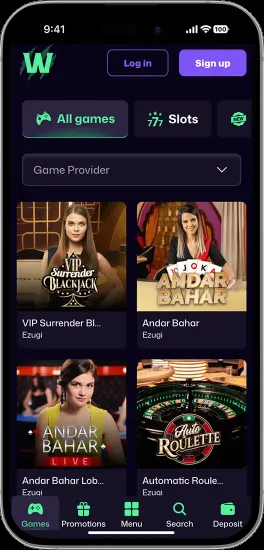
The WinBeast Casino mobile app delivers the entire desktop feature set without compromise. Every game runs in the same version, deposits and withdrawals process through the same cashier, live chat support is one tap away, and bonus activation works identically. The mobile app extends the desktop experience in a few areas thanks to native device capabilities.
WinBeast mobile features versus desktop
| Feature | Mobile PWA | Desktop |
|---|---|---|
| All 8,000+ slots | Full library | Full library |
| Live casino streaming | HD across all tables | HD/4K on premium tables |
| Cashier deposits and withdrawals | Full functionality | Full functionality |
| Apple Pay and Google Pay | Native, one-tap | Not available |
| Biometric login (Face ID / fingerprint) | Enabled in settings | Not available |
| Push notifications | Weekly bonus code alerts | Not available |
Push Notifications for Bonus Alerts
Push notifications from the WinBeast app deliver time-sensitive information without requiring members to keep an email inbox open. Alerts cover new weekly promotion codes as they go live (BOOST1, MODE3, FIERCE5, SAVAGE6), payout confirmations after KYC clearance, tournament leaderboard updates and account security notices such as new login attempts. Alerts can be filtered selectively in the WinBeast account settings — members who set deposit limits should consider disabling promotional notifications to reduce impulse triggers. Sign up through the register page to activate the account before enabling notifications.
| CRITERION | WINBEAST | CASINACHO ★ |
|---|---|---|
| Game catalogue | 8,000+ titles | 7,500+ titles |
| Live casino | Live dealer tables | 400+ Evolution tables |
| Welcome offer | £3,000 + 300 spins | £3,000 + 200 spins |
| Bonus wagering | Standard terms | Lighter requirements |
| Crypto payouts | Cards & crypto | Fast crypto payouts |
| Sports betting | Casino only | Casino-focused |
Data Usage and Battery Performance
WinBeast Casino mobile sessions consume roughly 50MB per hour when playing standard slots on a 4G or 5G connection, rising to about 150MB per hour for HD live dealer streaming. The PWA automatically adjusts video quality when connection strength drops, which minimises data spikes on unstable networks. Battery consumption sits around 15% per hour of live casino play — video streaming is the heaviest drain — and closer to 8% for slot sessions. Wi-Fi is recommended for extended live dealer sessions longer than thirty minutes. Full details on welcome package rewards claimable through the mobile app are available on the bonus page.